Why your guests should have their own Wi-Fi
Sharing your office Wi-Fi password with visitors is easy, but it lets their devices sit right next to your business files.
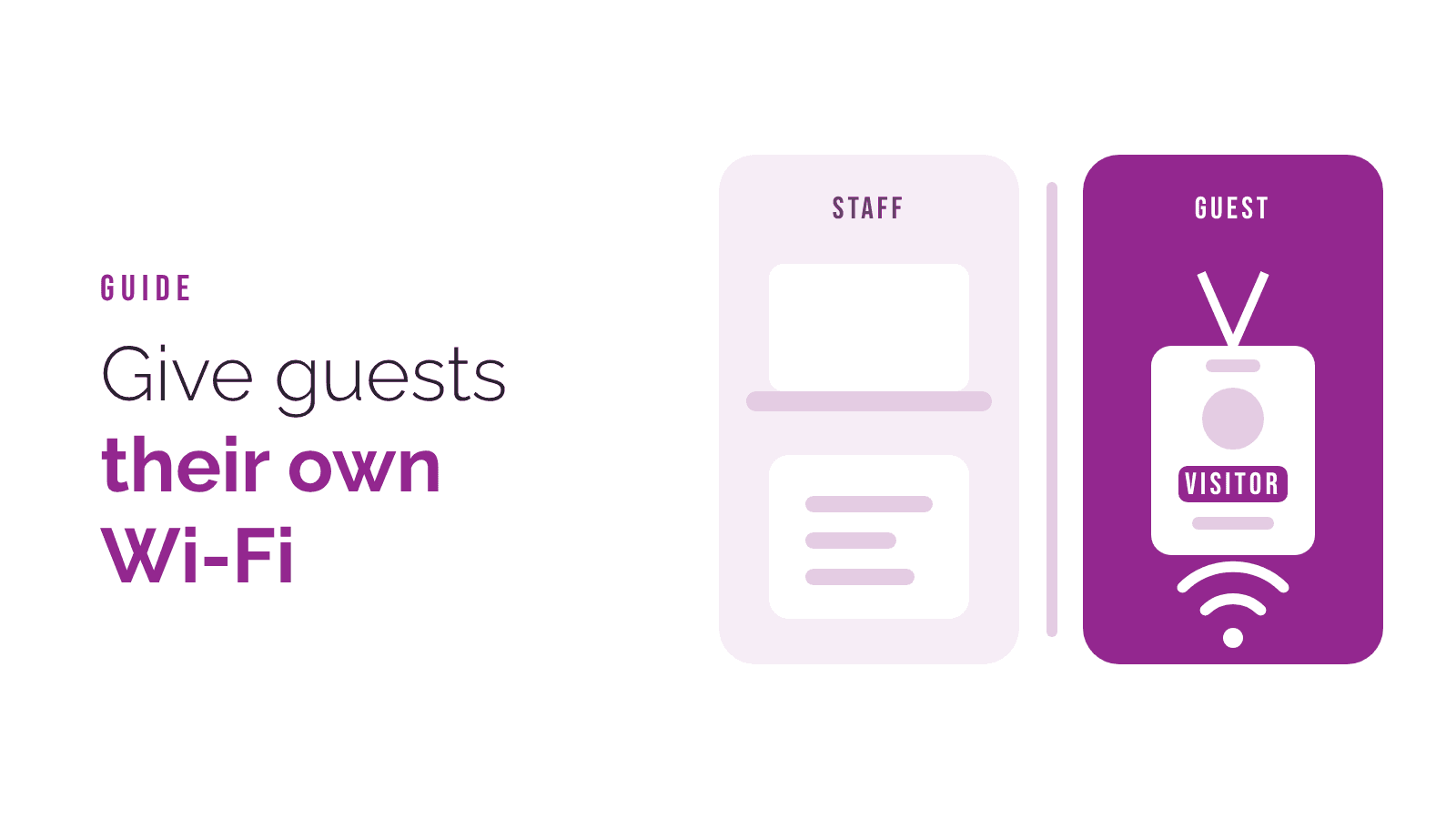
A visitor asks for the Wi-Fi password and you read it off the sticker on the router. It's friendly and it's quick. It also puts a device you know nothing about on the same network as your computers, your printer and your files.
What the problem is
On a shared network, devices can usually see each other. A visitor's phone or laptop might have a virus they don't know about. Once it's on your network, it can look for other devices to spread to.
There's also the password itself. Once it's out, it's out. Ex-staff, past visitors and the neighbours' kids may all still have it, and changing it means updating every device you own.
What a guest network does
A guest network is a second Wi-Fi name that gets visitors online but keeps them away from everything else. Guests get the internet and nothing more. They can't see your computers, printers or shared folders.
Most modern business Wi-Fi can do this. You can usually:
- give it its own name, like "YourBusiness Guest"
- set a separate password that you change regularly, without touching your own devices
- limit how much of your internet speed guests can use, so a big download doesn't slow your staff down
- show a simple welcome page with your terms
What about staff phones?
Staff phones are a grey area. Many businesses put personal phones on the guest network too, and keep the main network for work computers and equipment. It's a simple rule that keeps your business devices in one place.
Going a step further
For your own staff, the best option is a login for each person rather than one shared password. When someone leaves, you turn off their login and nobody else is affected. It also means the network knows which devices belong to your business.
Signs you need to look at this
- The same Wi-Fi password has been in use for years
- It's written on a sticker or a whiteboard
- Visitors, contractors or customers regularly use it
- You don't know how many devices are connected
How we can help
We set up business Wi-Fi with separate guest and staff networks, and logins for each person. If you'd like us to look at what you have, email [email protected].