What's new in UniFi Network 11
UniFi Network 11 is the biggest update yet to the software that runs UniFi networks. Here's what's new for a small business, and how we bring it to yours.
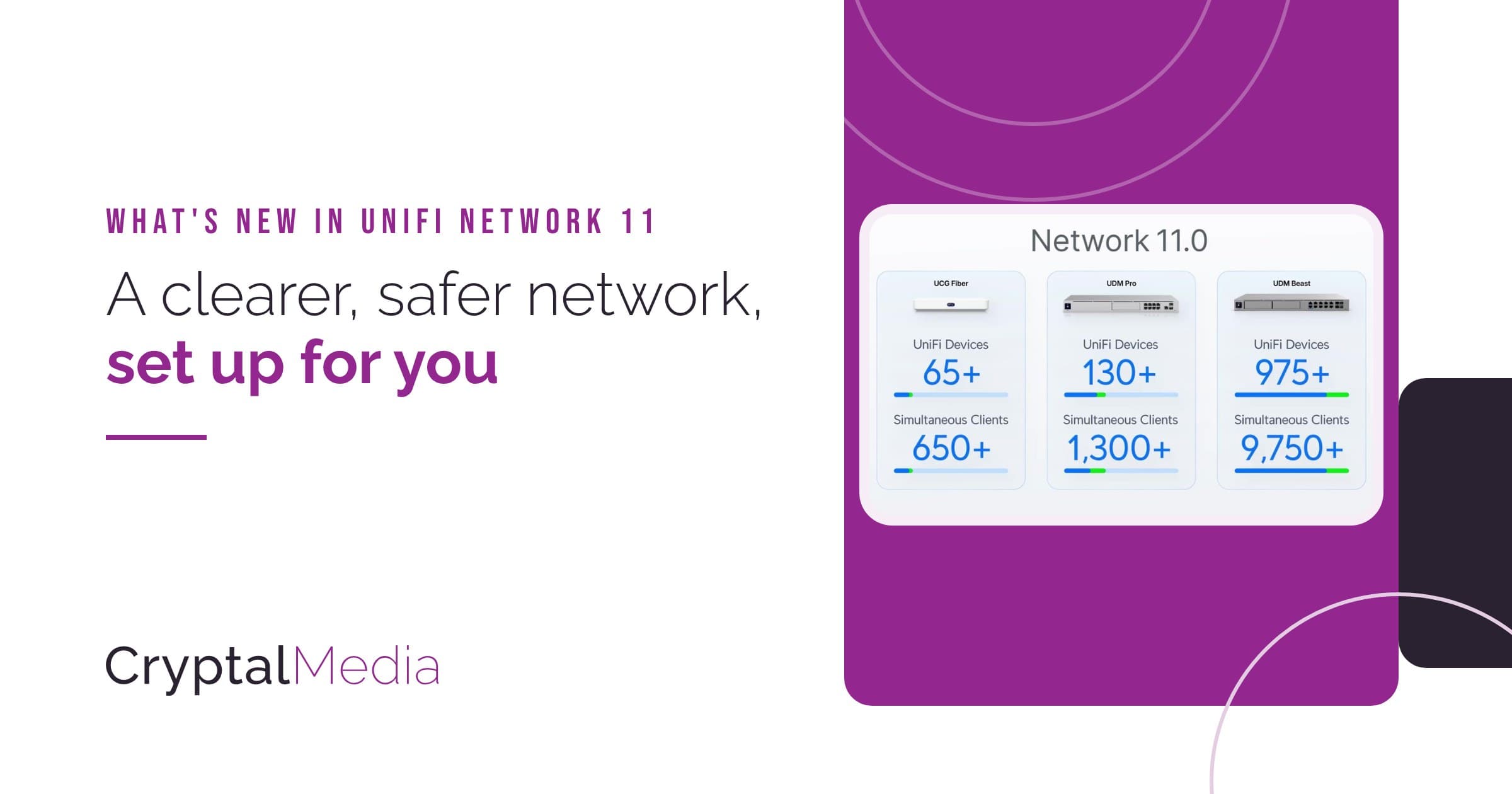
If your business runs on UniFi, the software behind your gateway, switches and Wi-Fi is getting its biggest update yet. These are the changes you're most likely to notice.
What you'll notice

Threats explained simply. With advanced threat protection (UniFi CyberSecure Enhanced), each blocked threat comes with a clear explanation and what to do next.

Stay online through outages. If your gateway has built-in Wi-Fi, such as the Dream Router 7, it can use any Wi-Fi, even a phone hotspot, as a backup internet line if the main one fails.

Know when a device joins. Get an alert on your phone when an unknown device connects, or when an important one drops off.

Room to grow. The same gateway now handles around 30% more devices, so growing doesn't mean new kit.

Smart building kit in view. Smart plugs, lights and sensors (Matter) now show their battery, signal and how they connect.

Every device easy to spot. Take a photo of a printer or till and it gets its own icon, so it's easy to find on the network.
Also new
- A live view of what each device is doing online
- A timeline of what joined or left the network, and when
- More separate networks for staff, guests and equipment
- Automatic self-tests for UniFi battery backups
Coming soon to your network
We'll bring UniFi Network 11 to the networks we look after as it becomes available.
Not on UniFi yet? We can set one up for you.
No Wi-Fi in your gateway? Go 5G
Rack-mounted gateways don't have Wi-Fi, so they can't use Wi-Fi backup.
A UniFi 5G backup takes over on its own if your broadband drops. Ask us about adding one.
Interested?
Questions, or want to find out more? Email [email protected].
Threat explanations need a CyberSecure Enhanced subscription. Images courtesy of Ubiquiti Inc. (ui.com), from the UniFi Network 11 launch. Shown for illustration; your screens may look slightly different. UniFi and CyberSecure are trademarks of Ubiquiti Inc.