Five signs your small business Wi-Fi needs attention
Slow spots, dropped calls and a router nobody remembers buying are all signs your Wi-Fi could be doing better.
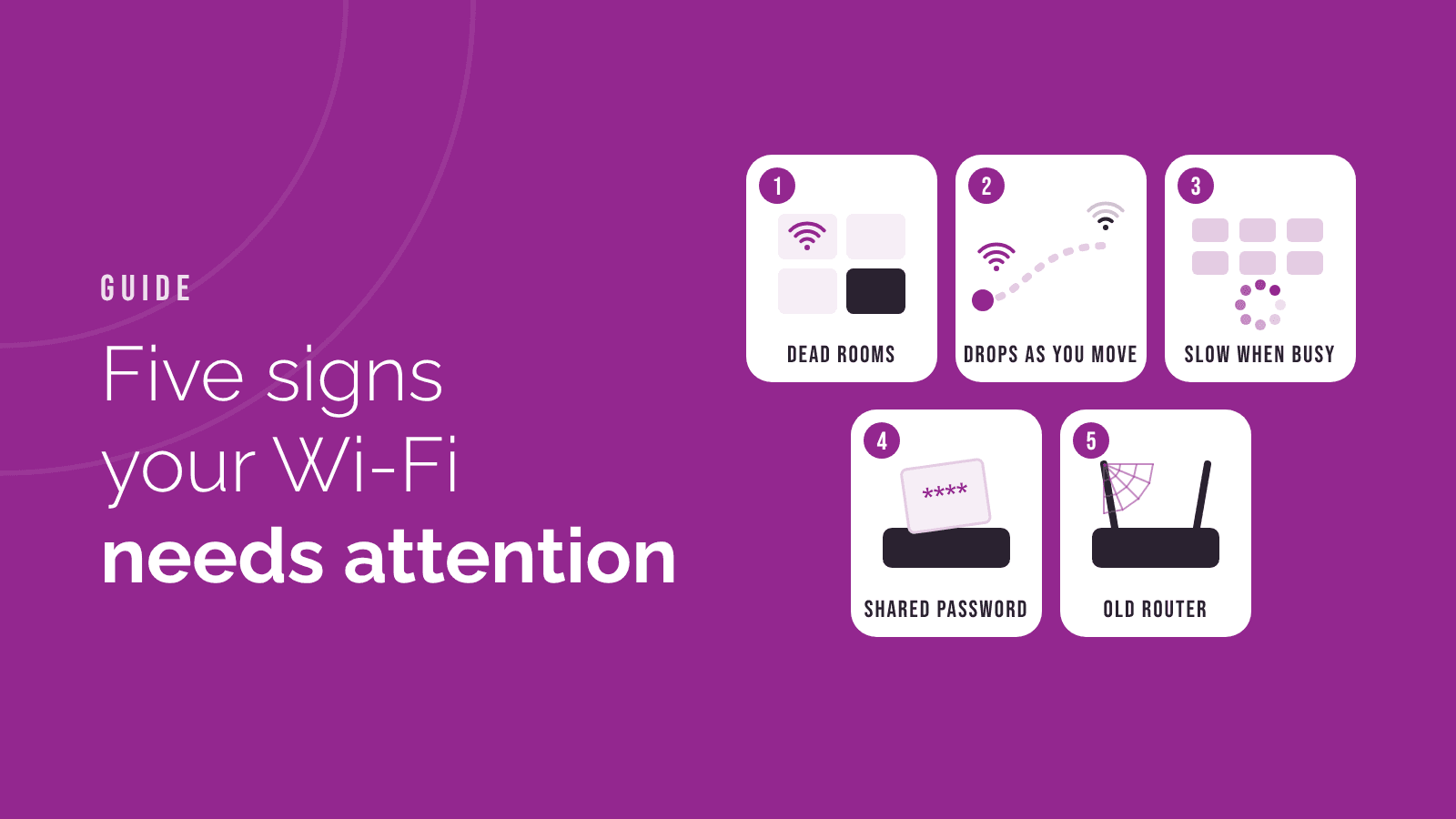
Wi-Fi tends to get attention only when it fails. These are the signs it's worth a look before that happens.
1. Some rooms just don't work. One router in a corner can't cover a whole building, especially through thick walls. The fix is usually more access points spread around the building, all working as one network, rather than a stronger router.
2. It drops when you walk around. If calls cut out when someone moves between rooms, devices are clinging to a far-away signal. A properly set up system hands devices over smoothly from one access point to the next.
3. It slows down when everyone's in. Home equipment isn't built for a busy office. Business Wi-Fi handles more devices at once and can stop one large download slowing everyone else down.
4. Nobody knows the password, or everybody does. If the password hasn't changed in years, or visitors use the same Wi-Fi as your computers, it's time for separate guest and staff networks.
5. The router came from the broadband provider years ago. Provider routers are built to be cheap. Many stop getting security updates, and you often can't see what's connected or why things are slow.
What a good setup looks like
- Coverage everywhere people actually work
- A separate guest network
- Equipment that still gets security updates
- Someone keeping an eye on it, so problems get spotted early
Before you buy anything
It's tempting to buy a bigger router or a plug-in booster and hope for the best. Boosters often make things worse: they halve the speed and create a second network that devices get stuck on. A quick walk round the building to see where people actually work, and where the signal drops, usually shows what's really needed. Sometimes it's one extra access point in the right place. Sometimes the cabling needs a look first, because access points work best with a wired connection back to the network.
How we can help
We design and install business Wi-Fi for small businesses, then look after it. If any of these sound familiar, email [email protected].